
For security purposes, all new accounts must be verified via email prior to first login.
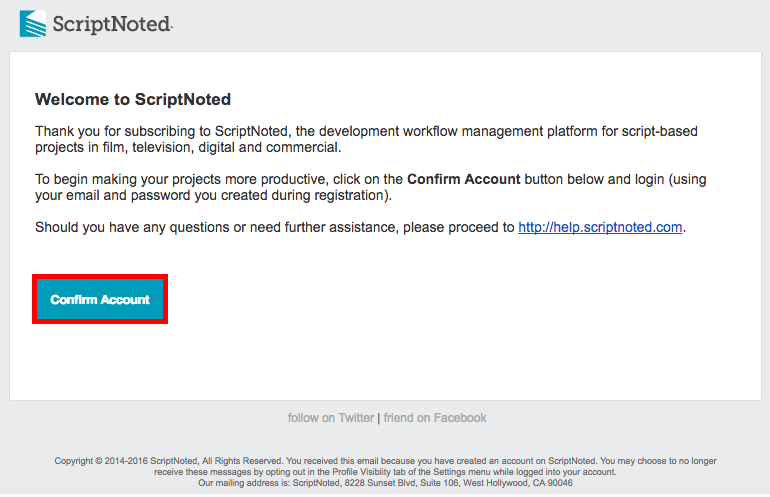
Upon creation of your account (created either by you as an individual subscriber or by your company admin if your account is part of a business subscription), ScriptNoted sends a confirmation message (just like the one below) to the email address associated with your account.
The subject line of the email is ScriptNoted Account Confirmation, and the message is sent from ScriptNoted Alert (alerts@scriptnoted.com).
[ Tip: If you have not yet received the confirmation message above, check your junk or spam folders in your email software. ]
To access your account for the first time, simply click on the Confirm Account button in the confirmation email above. Once confirmed, you may login to the ScriptNoted application at any time at http://app.scriptnoted.com.